1
Add your printer
Save the printer, DPI, and label dimensions you use. Each profile keeps its own calibration.
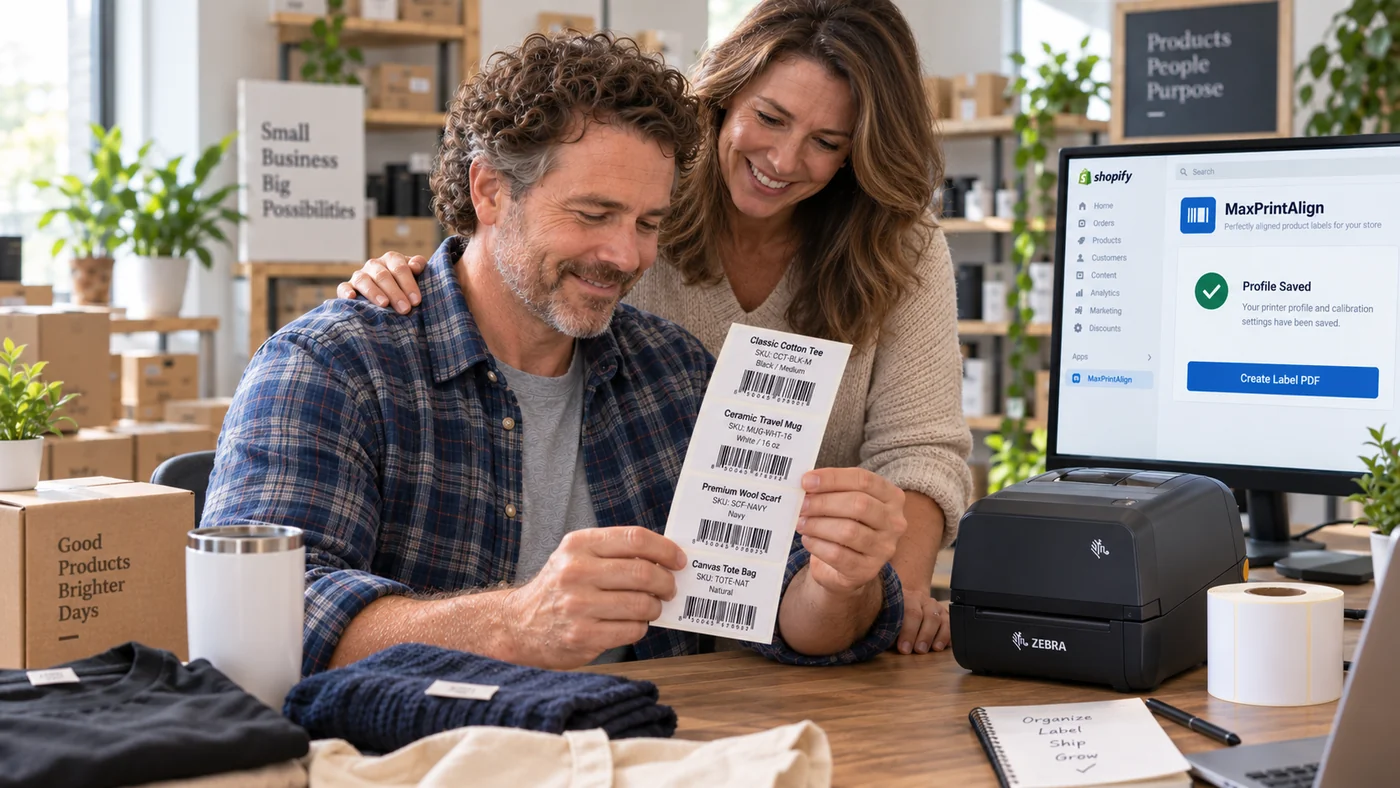
MaxPrintAlign helps Shopify merchants save printer profiles, calibrate label alignment, select printable products, preview labels, and generate exact-size PDFs with a guided workflow.
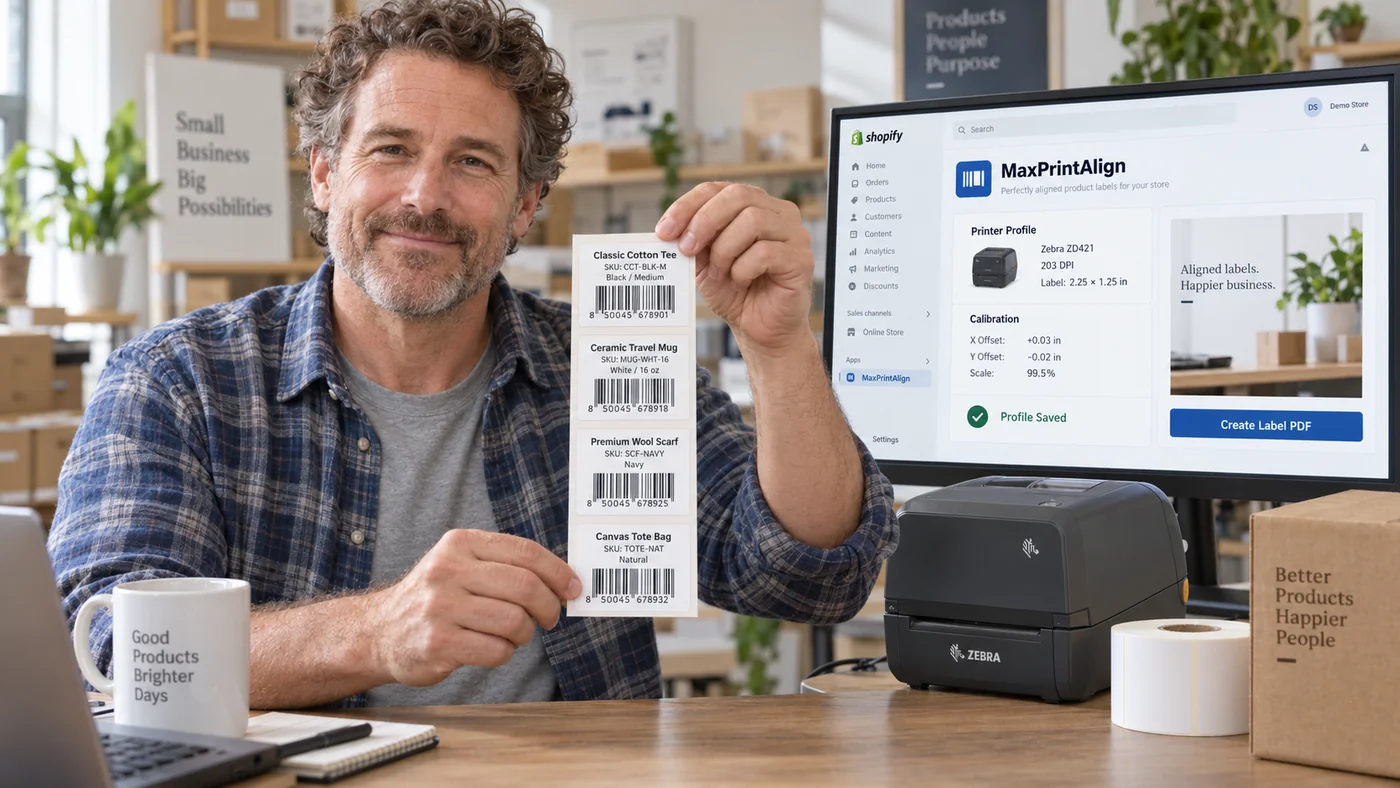
Small differences in DPI, driver scaling, media size, and printer mechanics can shift or resize the physical output. Repeating trial-and-error for every batch wastes labels and time.
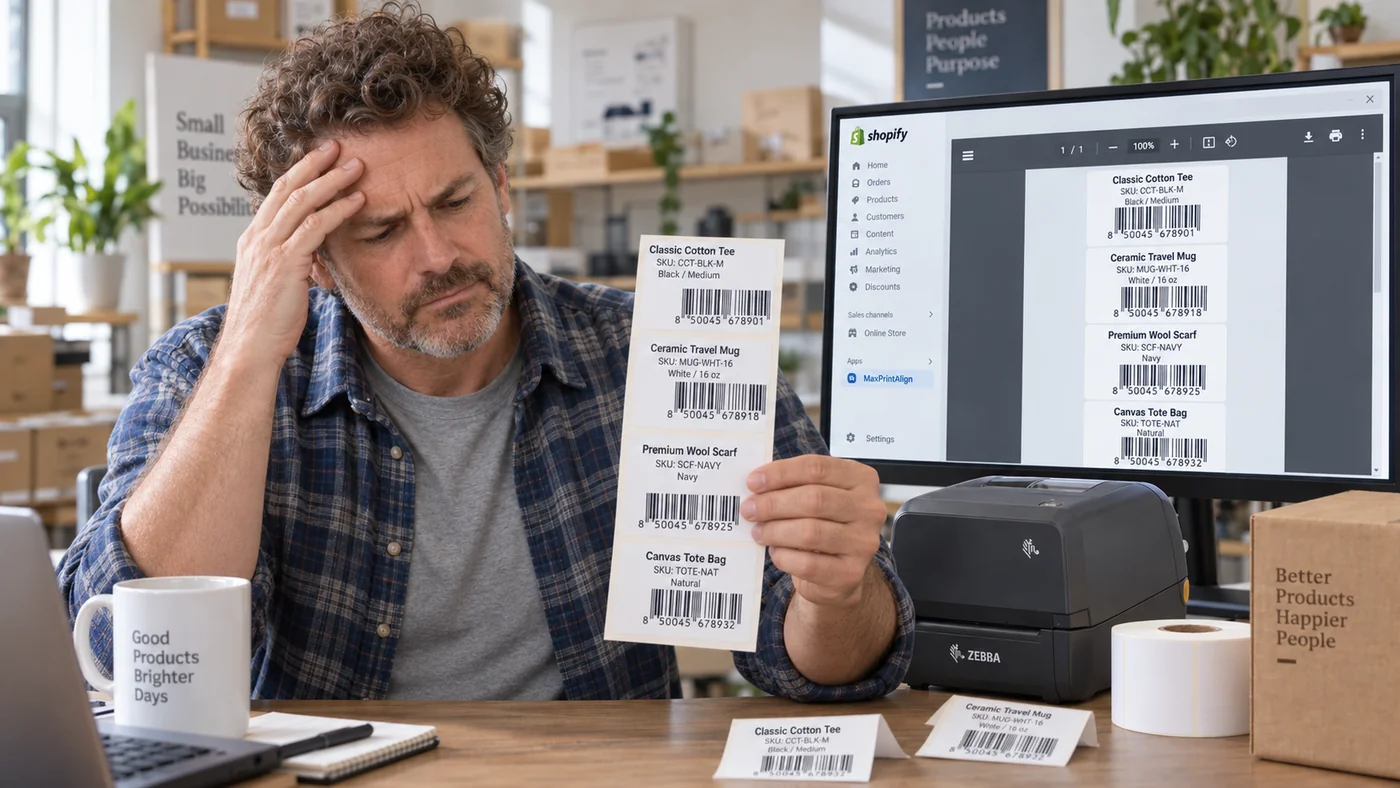
A focused workflow for merchants who want predictable label placement without repeatedly rebuilding layouts.
Save the printer, DPI, and label dimensions you use. Each profile keeps its own calibration.
Print a test sheet and fine-tune horizontal position, vertical position, and scale until the physical output aligns.
Choose printable products, review quantities and content, then generate an exact-size PDF.
MaxPrintAlign concentrates on printer-specific alignment, predictable dimensions, clear product selection, and safe re-downloads.
Printer hardware, drivers, media sensors, browser/PDF viewers, and print settings can all affect physical output even when a PDF has correct dimensions.
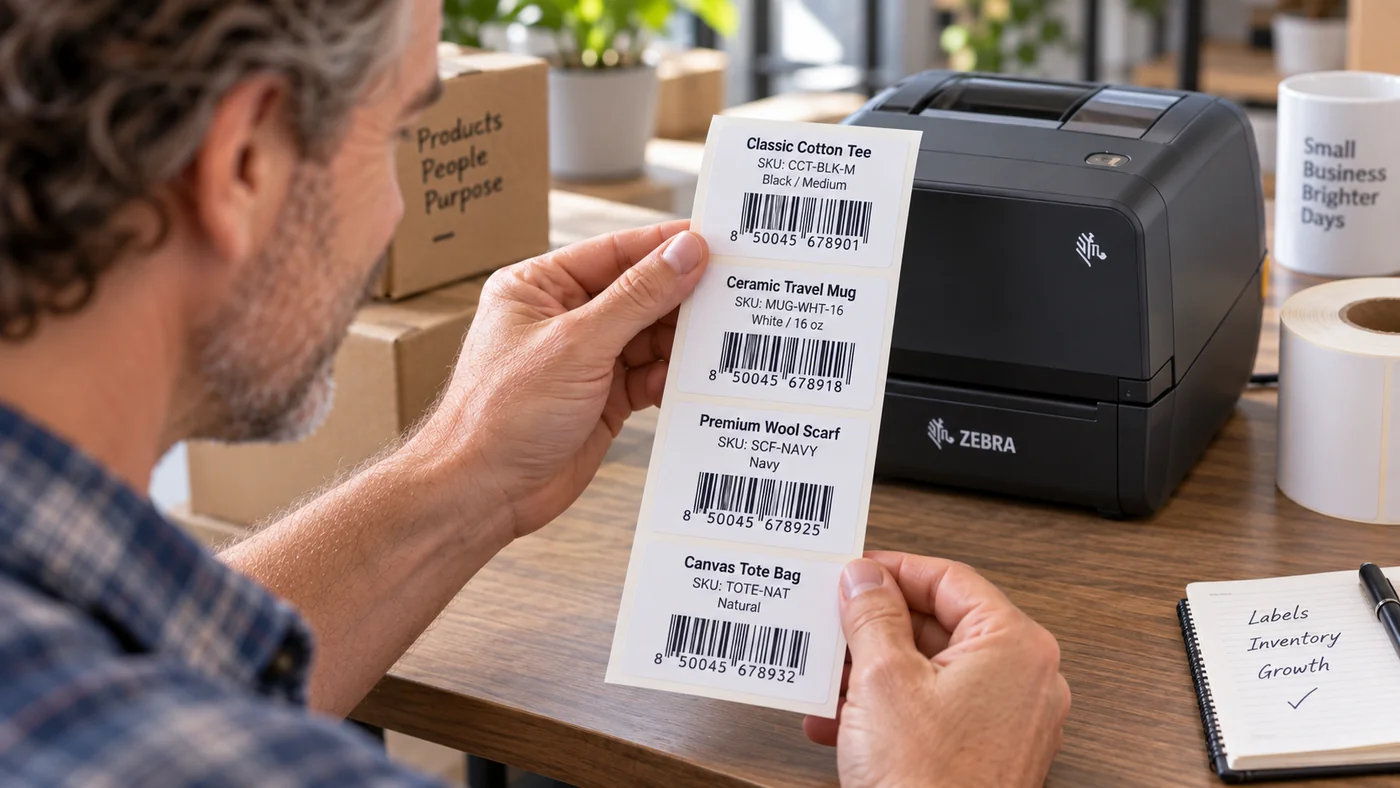
Set up the printer profile, calibrate the physical output, select printable Shopify product variants, review the batch, and download the exact-size PDF.
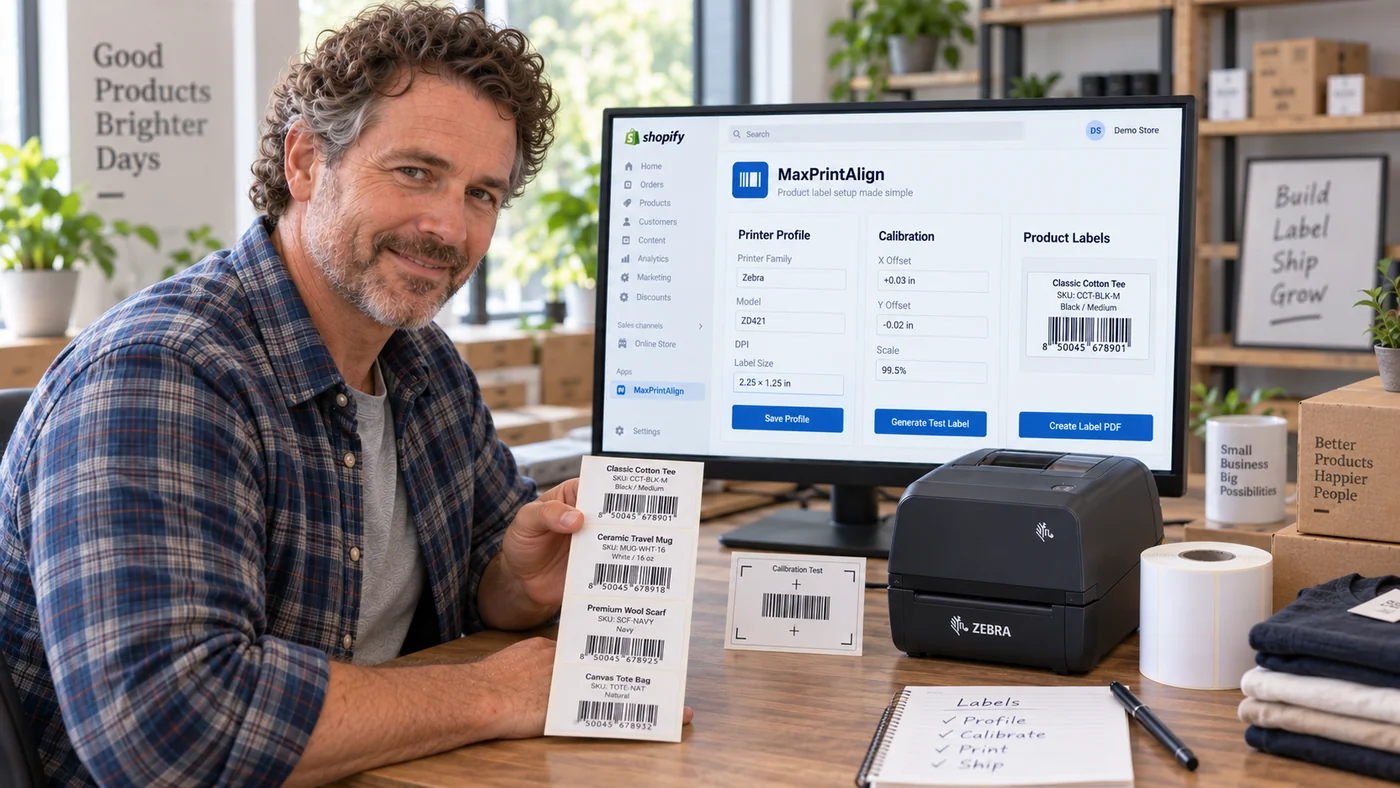
Once a printer and label combination is calibrated, the saved profile makes the next product-label batch easier to prepare consistently.
Start with the FAQ or documentation before opening a support ticket.